
Using the Slack API to schedule messages.
This assumes that we are sending messages from our personal
user accounts. 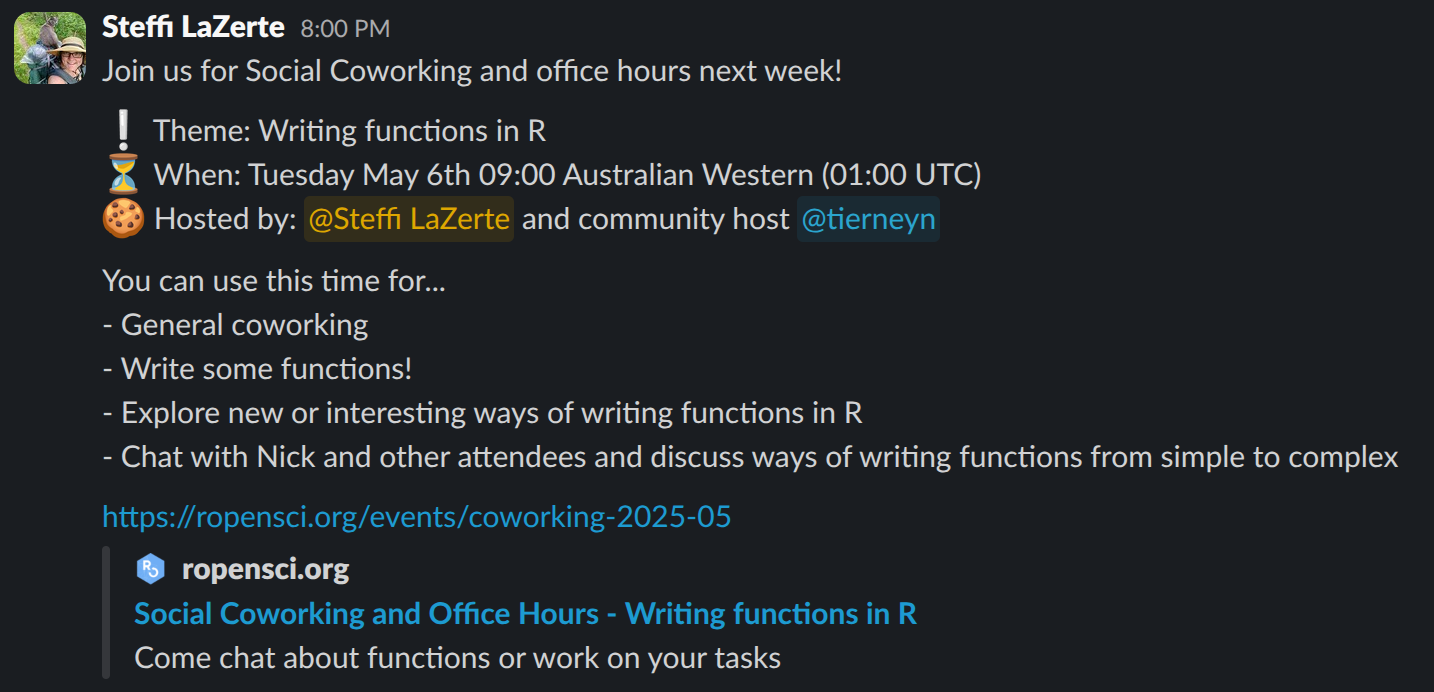
Setup an App for user tokens
Following steps in Slack API Docs: https://docs.slack.dev/app-management/quickstart-app-settings
- Create New (from scratch)
- App Name: promoutils
- Workspace: rOpenSci
- Create Scopes
- Go to OAuth & Permissions, scroll down to “Scopes”
- Add “User Token Scopes”
channels:historychannels:readchat:writefiles:readgroups:readgroups:writegroups:historyim:writeusers:read
- Install and authorize
- Go to OAuth & Permissions > OAuth Tokens > “Install to rOpenSci” (This authorizes ‘promoutils’ to act on your behalf)
- Copy the Token and add it to your keyring in R:
keys_set("slack")(which uses keyring under the hood).
Note:
Do not activate OAuth Token rotation because this requires a secure redirect URL which means we can’t use the http://localhost redirect URL which then gets complicated.
If we leave it as token based, we don’t have to rotate the token, but we DO need to keep that token safe. Therefore use keyring.
Now you’re ready to start working with the Slack functions in promoutils.